Sheet 00 — Overview FileLogix
Every document, at a glance
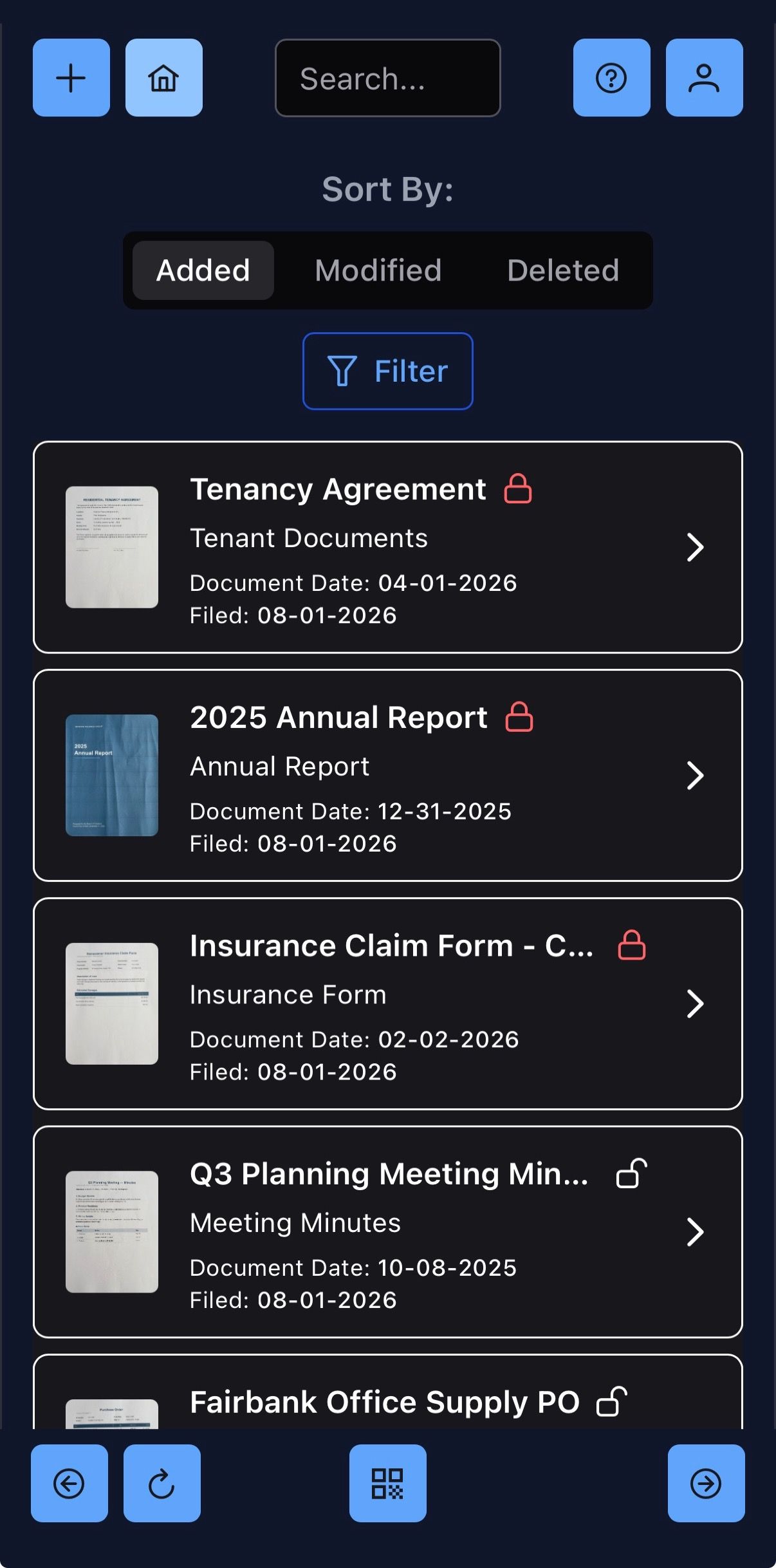
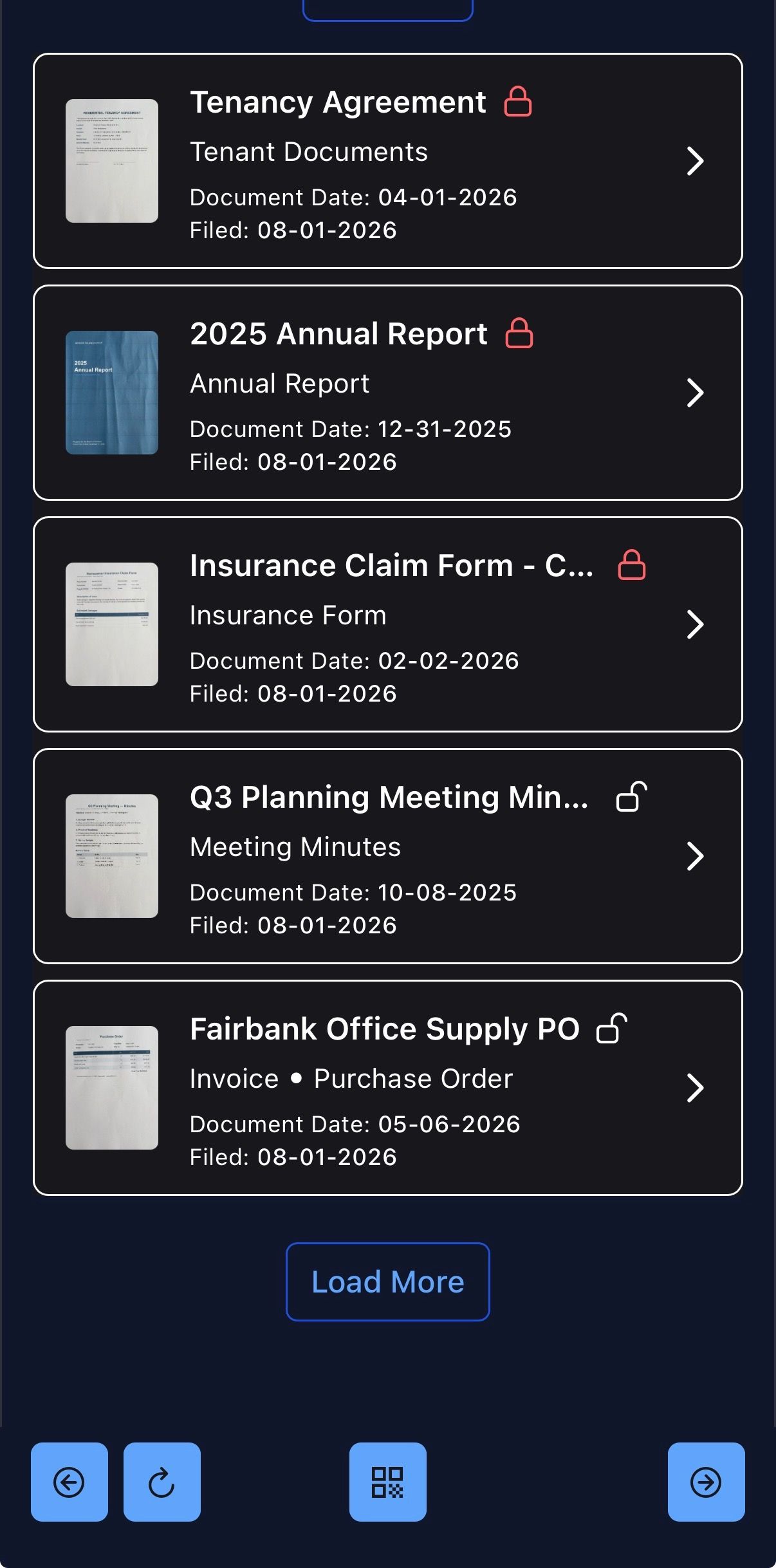
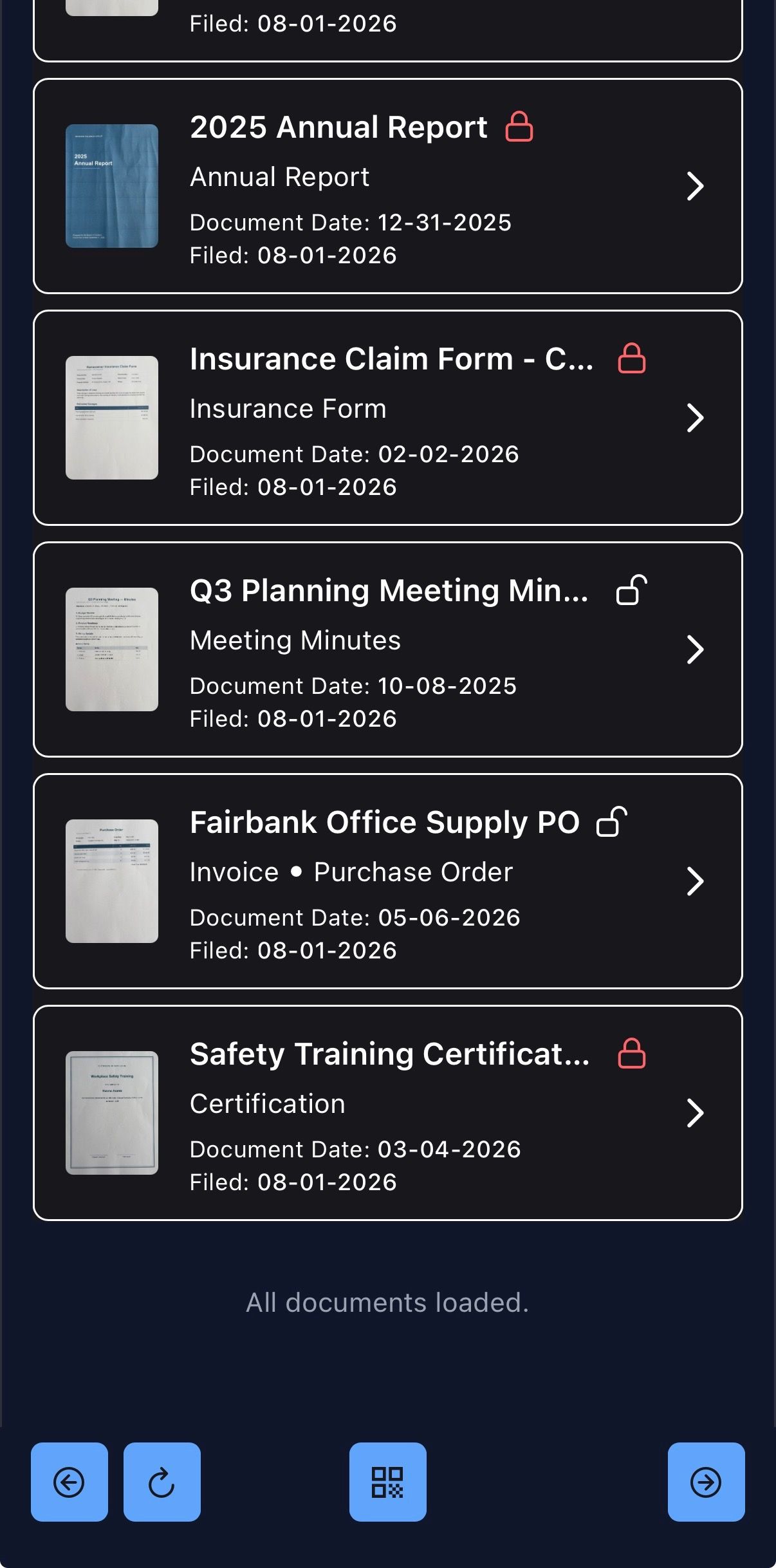
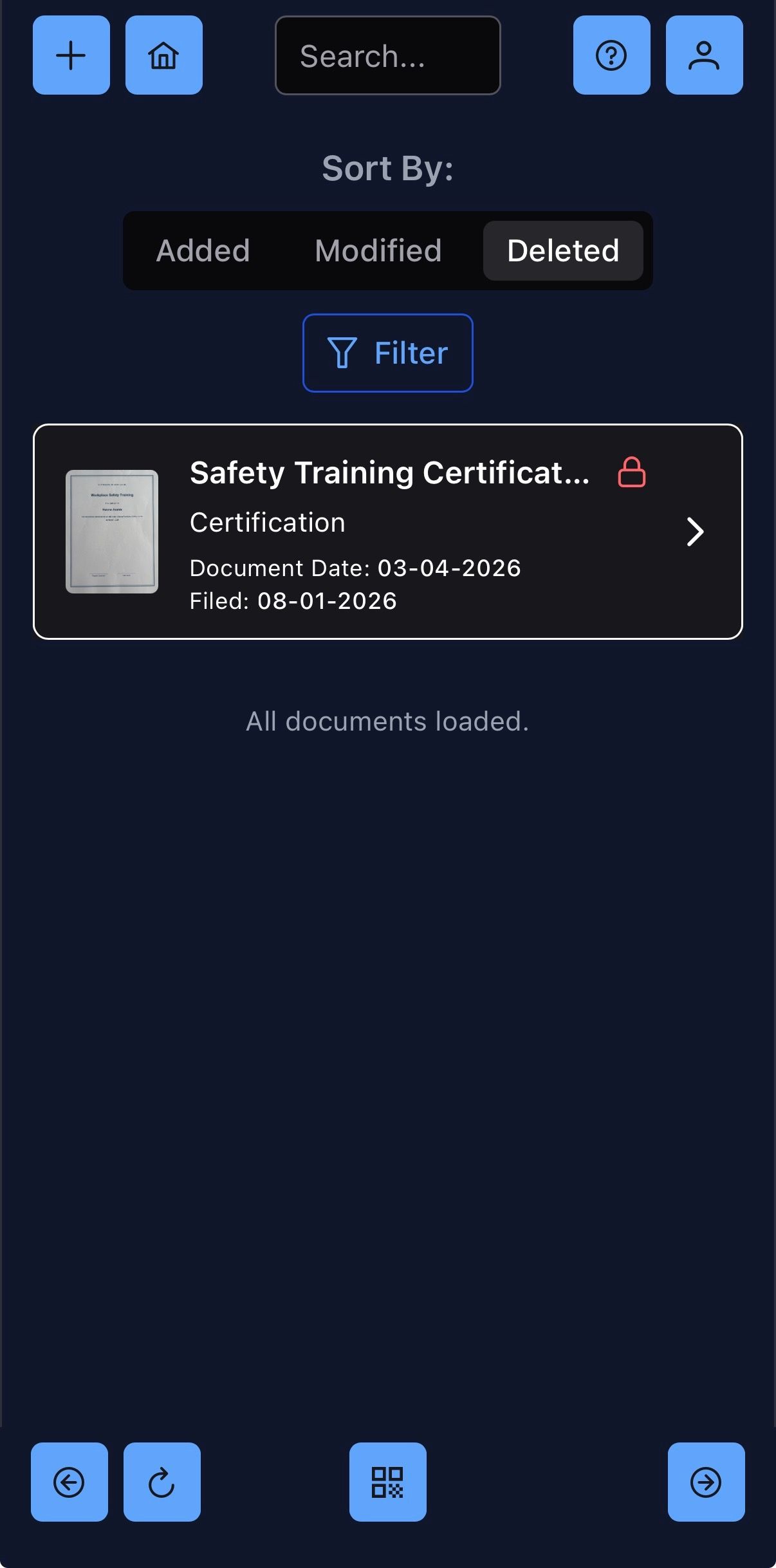
Drop a file in and FileLogix takes care of the rest — a thumbnail, a type, a date, instantly searchable. Scroll through your whole library with ease.
Find it by name, or by what it says
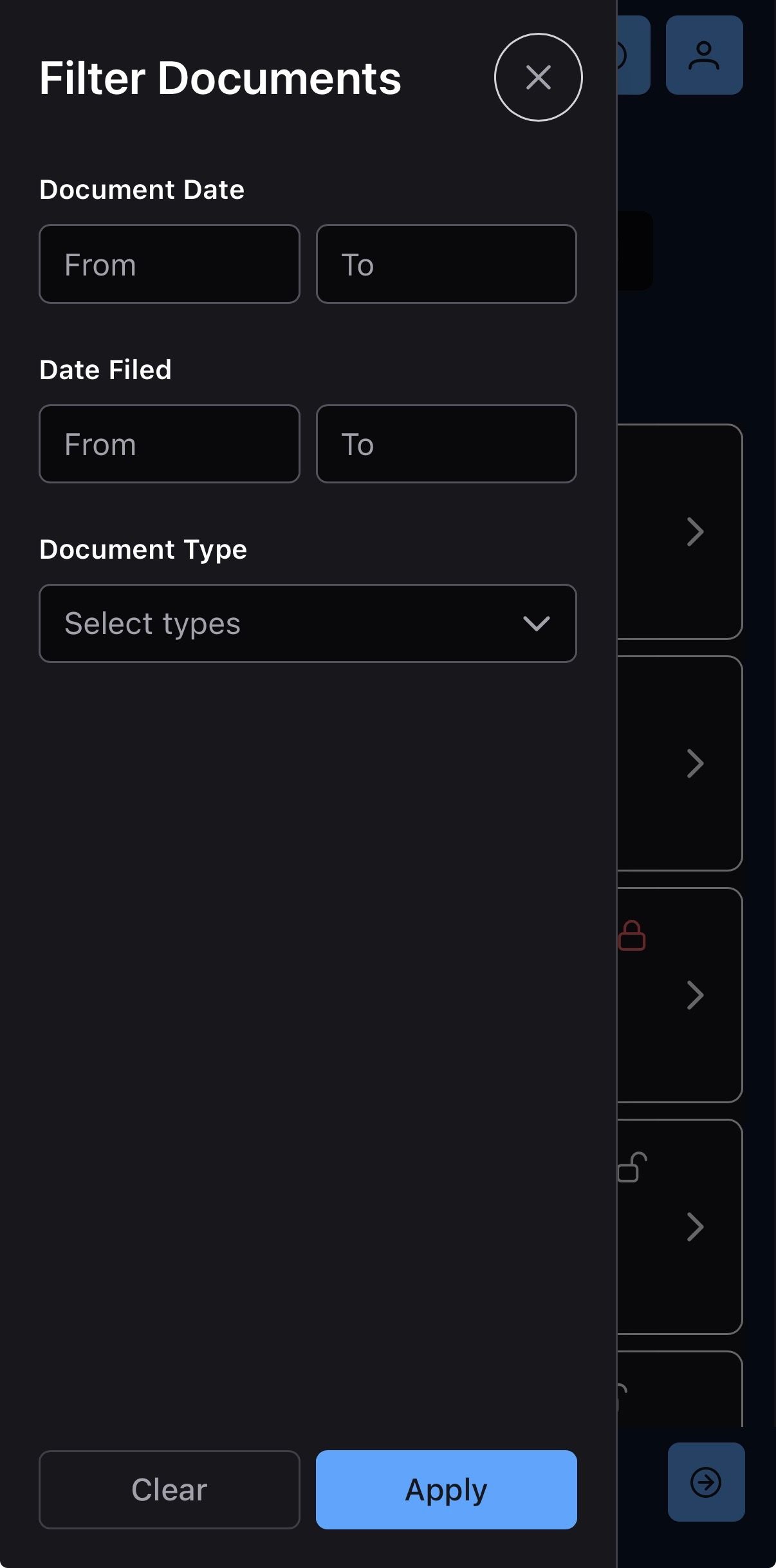
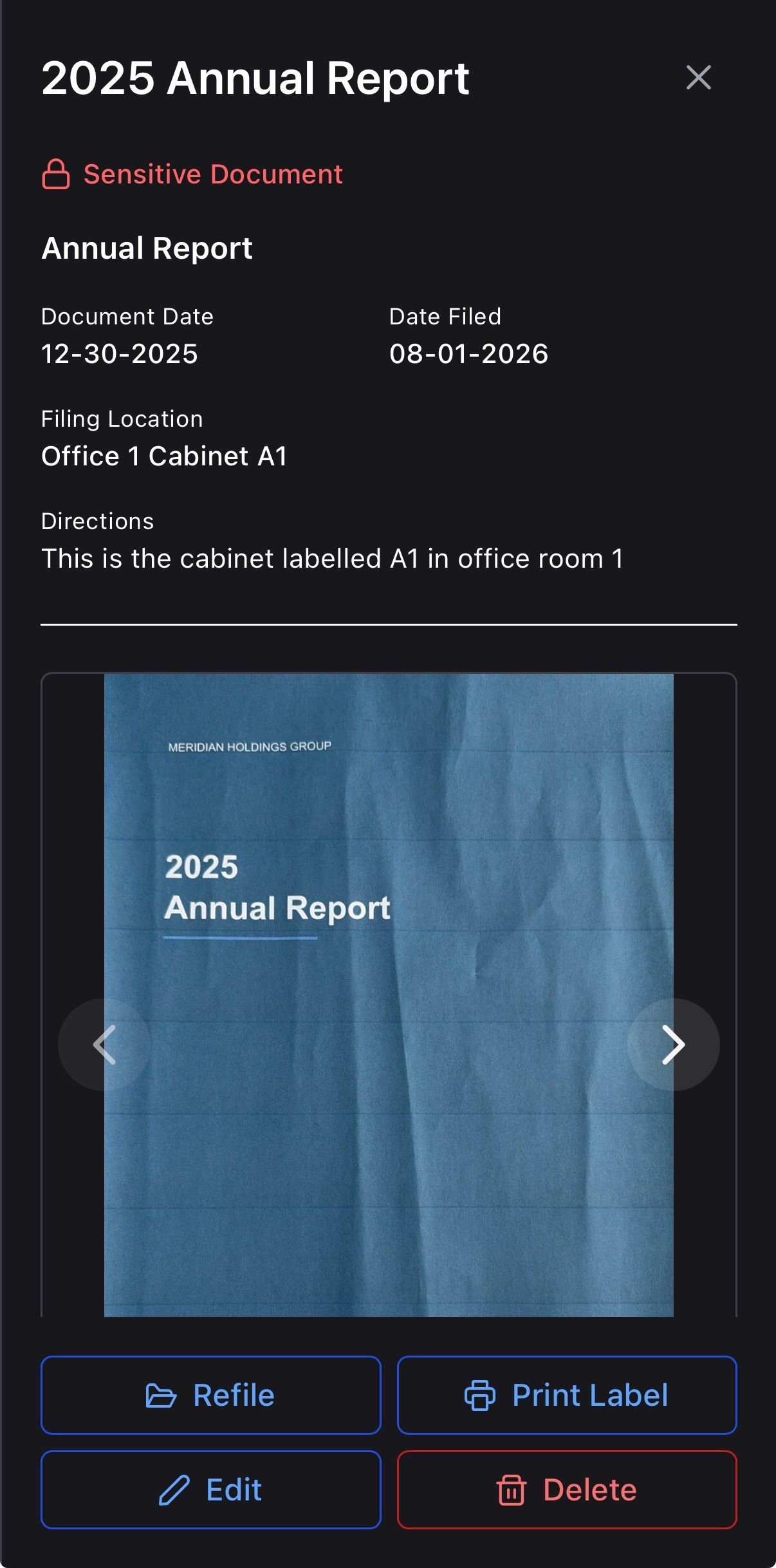
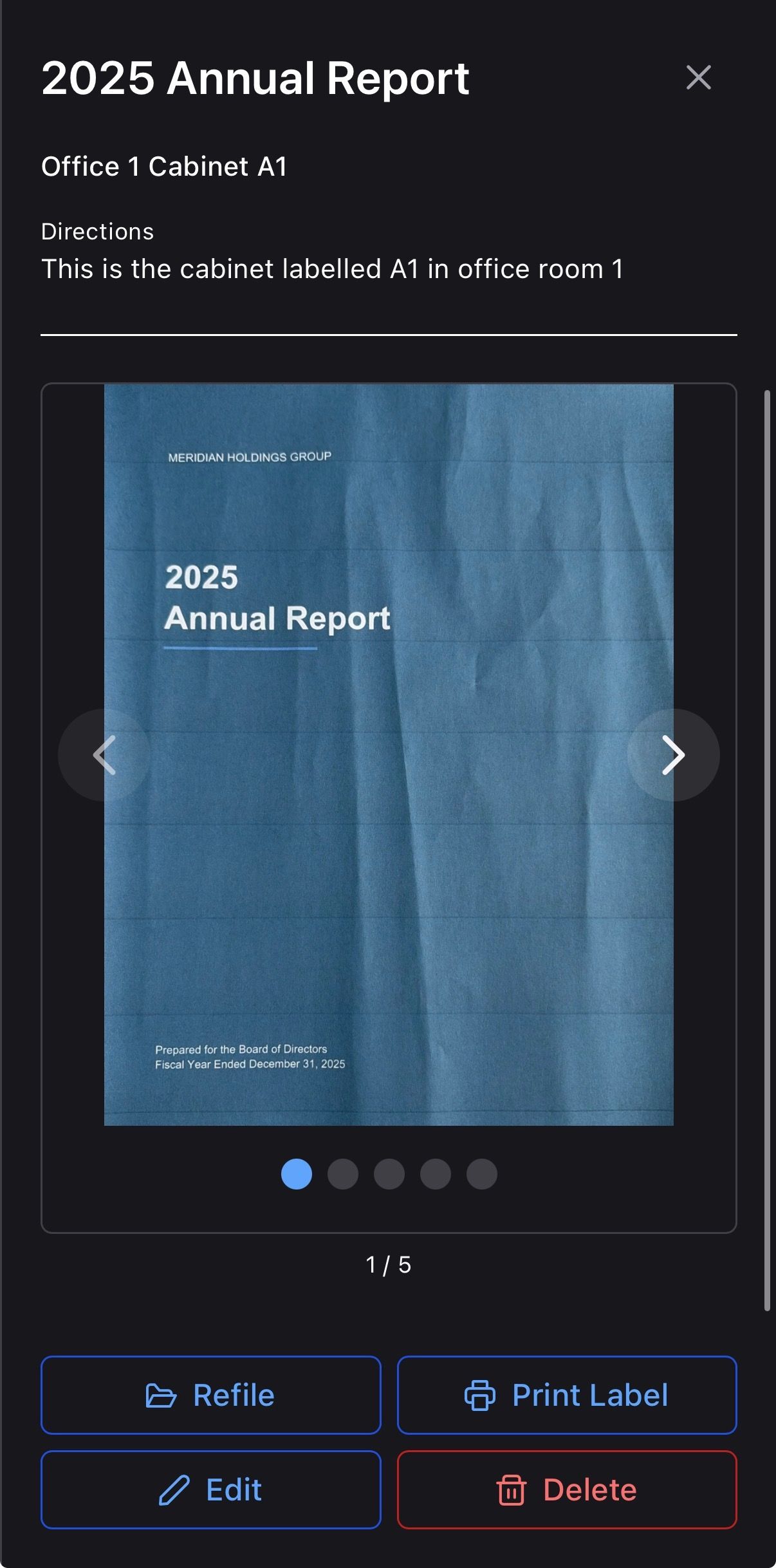
Search by filename, the way you always have. Or search by what's actually written on the page — FileLogix reads every document with OCR, then indexes the text so a name, a date, or a phrase buried on page twelve turns up instantly.
Not sure of the exact wording? Semantic search understands what you mean, not just what you typed, so a rough description of a document is enough to surface it.
A filing system with its own logic
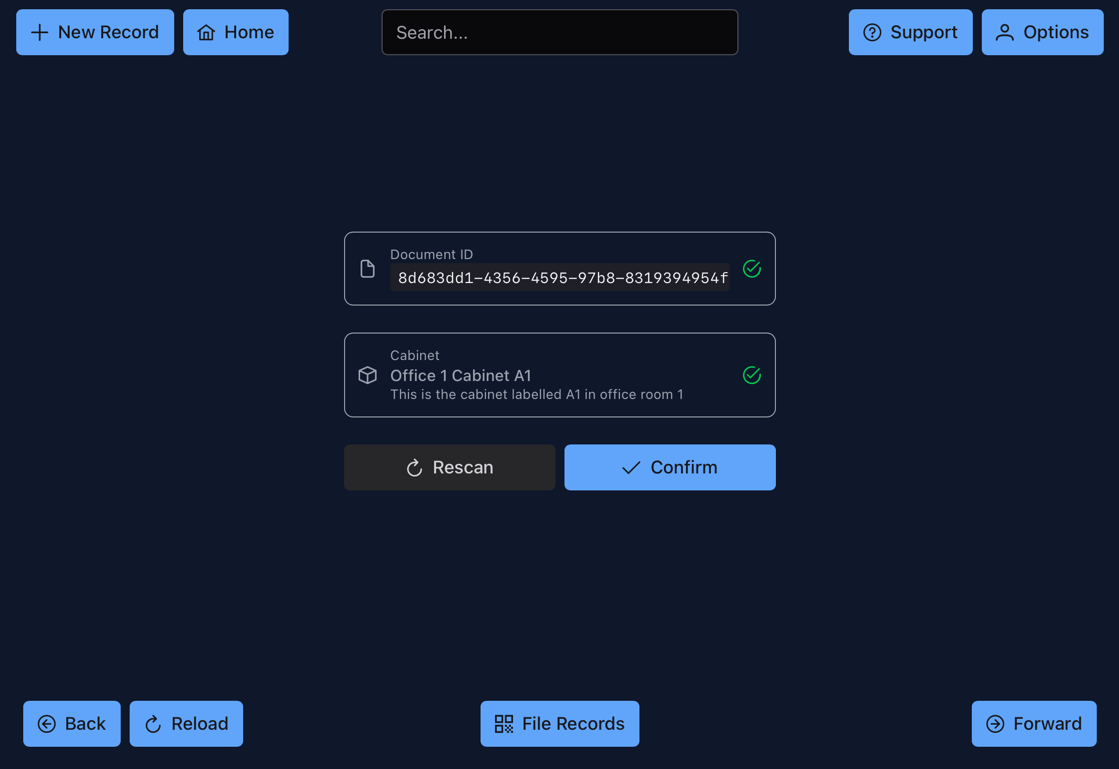
Every document gets a structured code, so it always ends up somewhere that makes sense — consistent, cross-referenced, and easy to look up by hand or by search. It's the difference between finding something you know exists and stumbling onto something you didn't know to look for.
Sensitive stays sensitive
Mark a document sensitive and FileLogix treats it differently — restricted from casual browsing, visible only to the people who need it. Combined with role-based permissions and encryption at rest, a grocery receipt and a bank statement can sit in the same archive without getting the same treatment.